
RealUserIQ
Configure and start your measurement run. Sync your video. Captures and creates your valuable insight.
we turn the lights on
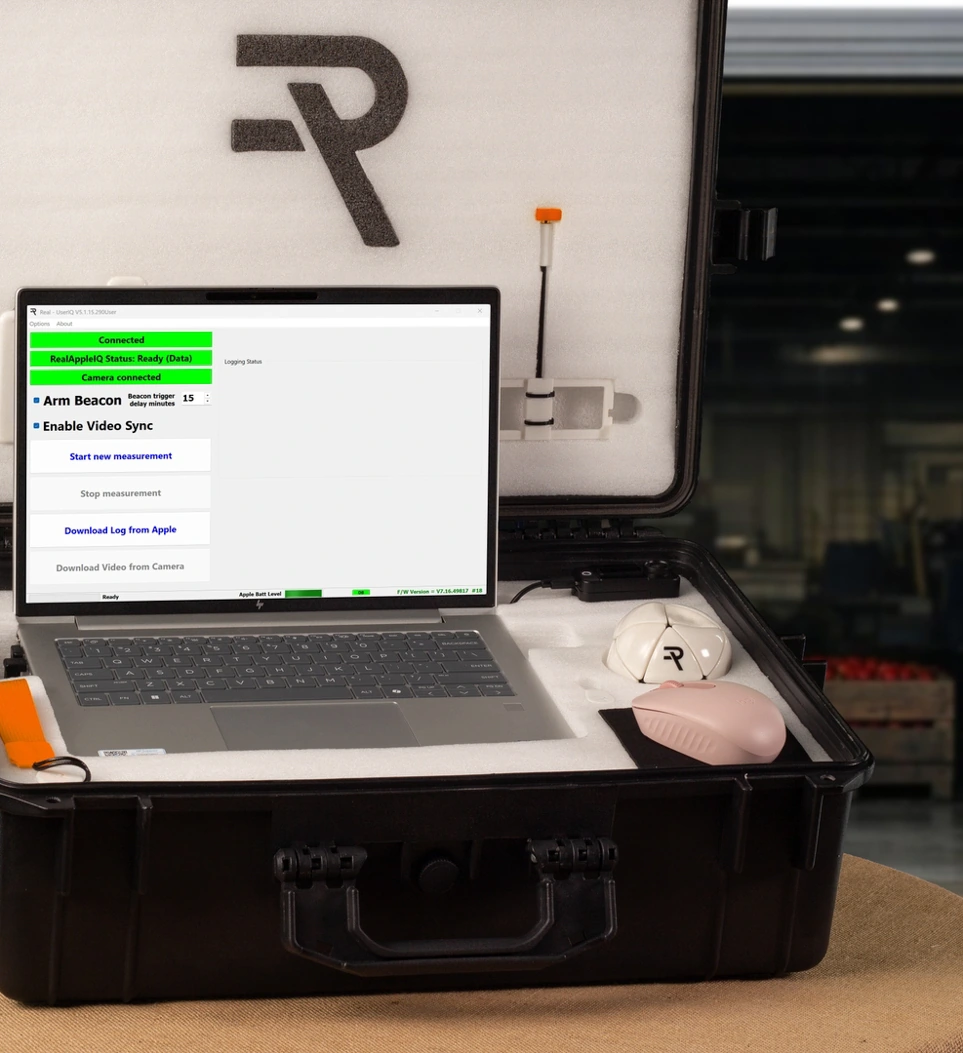
RealUserIQ™ is where every measurement session begins. It connects to RealAppleIQ™, sets up the measurement run, manages video capture, and ensures everything is captured, secured and stored automatically at the run completion.
Know the instrument is ready before you run.
The built-in health check confirms that the RealAppleIQ™ instrument is connected, calibrated and ready to measure. Activate and set the run timer for the location beacon. Start and point the camera at the laptop screen. Push "Start new measurement". The camera captures the "green screen" to enable simple automated synchronization of video recording. Now RealUserIQ™ is measuring and capturing your insight.
Learn More
Every insight captures its context.
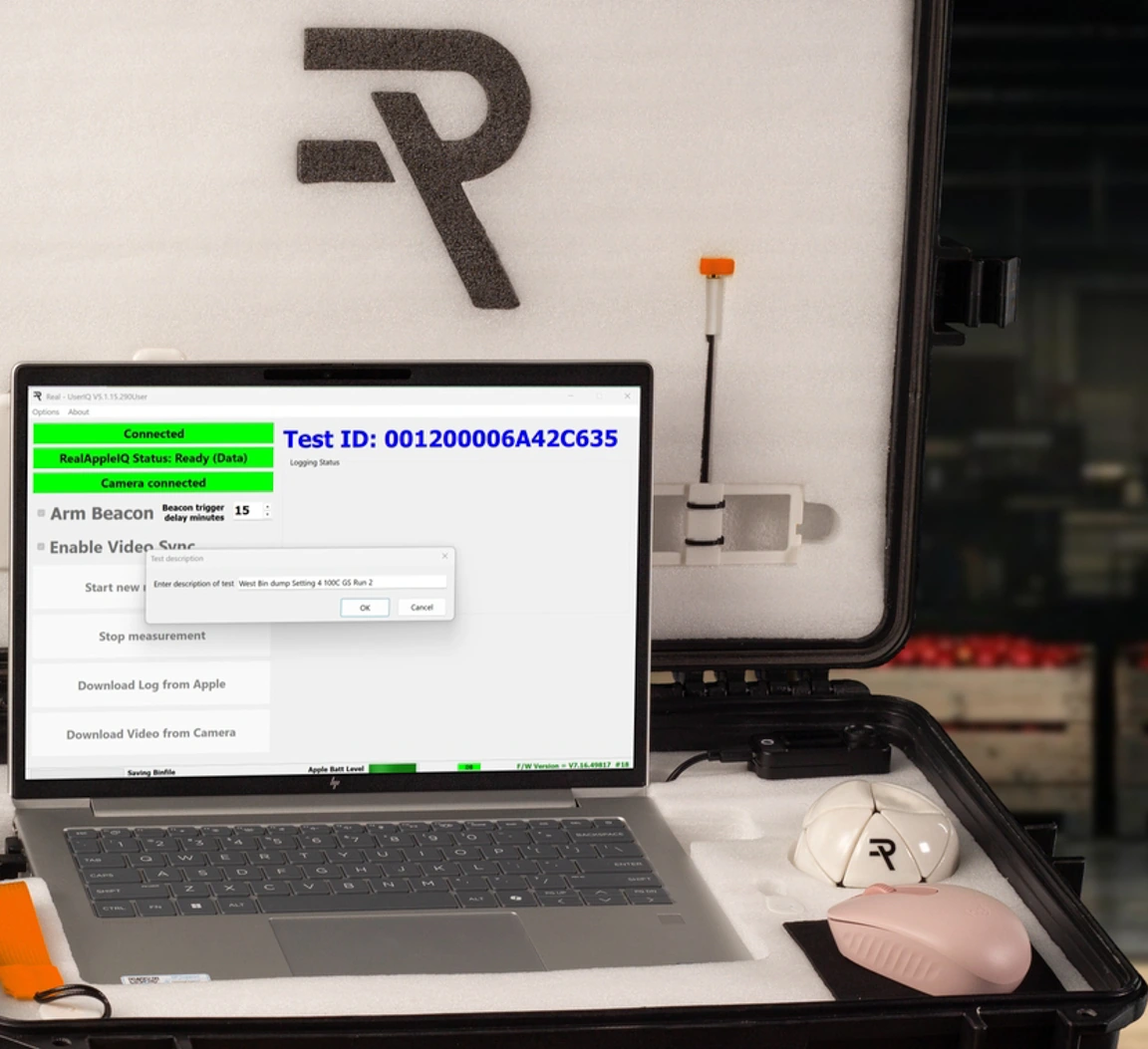
Before each measurement run is finalized, RealUserIQ™ captures user input data. You choose what information to capture — it might include the operation, machine, location, fruit type,size, maturity, or other factors for reference.. This information travels with the run data through the entire SystemIQ™ workflow — making every run searchable, comparable, and meaningful for your team.
Learn More
Video and data. Captured together.
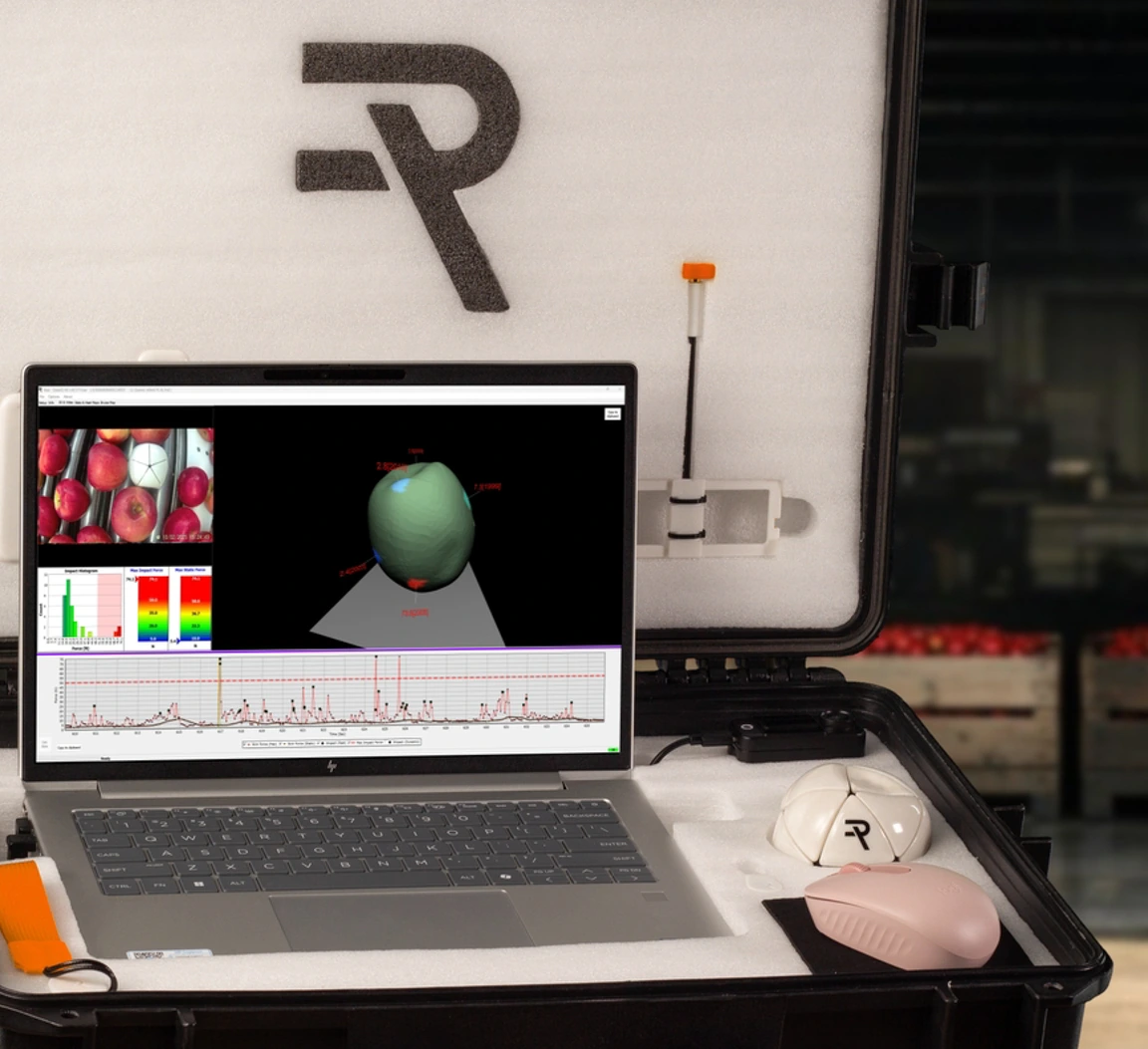
RealUserIQ™ automatically downloads and stores both data and video files automatically at the end of the measurement run. All content is managed and filed for immediate retrieval and viewing in RealDataIQ™. Video synchronization with sensor data recording is handled automatically — so when the run is opened in RealDataIQ™, the video and data are already in lockstep. No manual alignment. No offset adjustment. Click any data event and the video is already at that frame.
Learn More
The session that starts well ends with data you can trust.
Real Instruments Limited — Turning the lights on in apple handling.
Contact Us